From microphones to lights, cameraman roles to accessories — this guide explains EVERYTHING a brand needs for premium UGC.
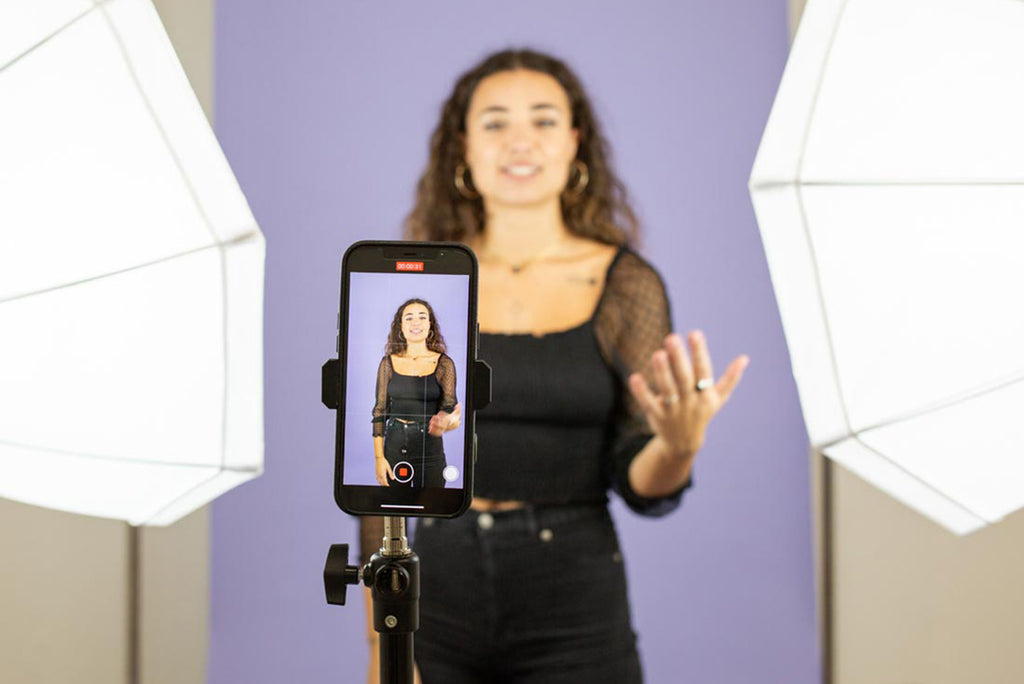
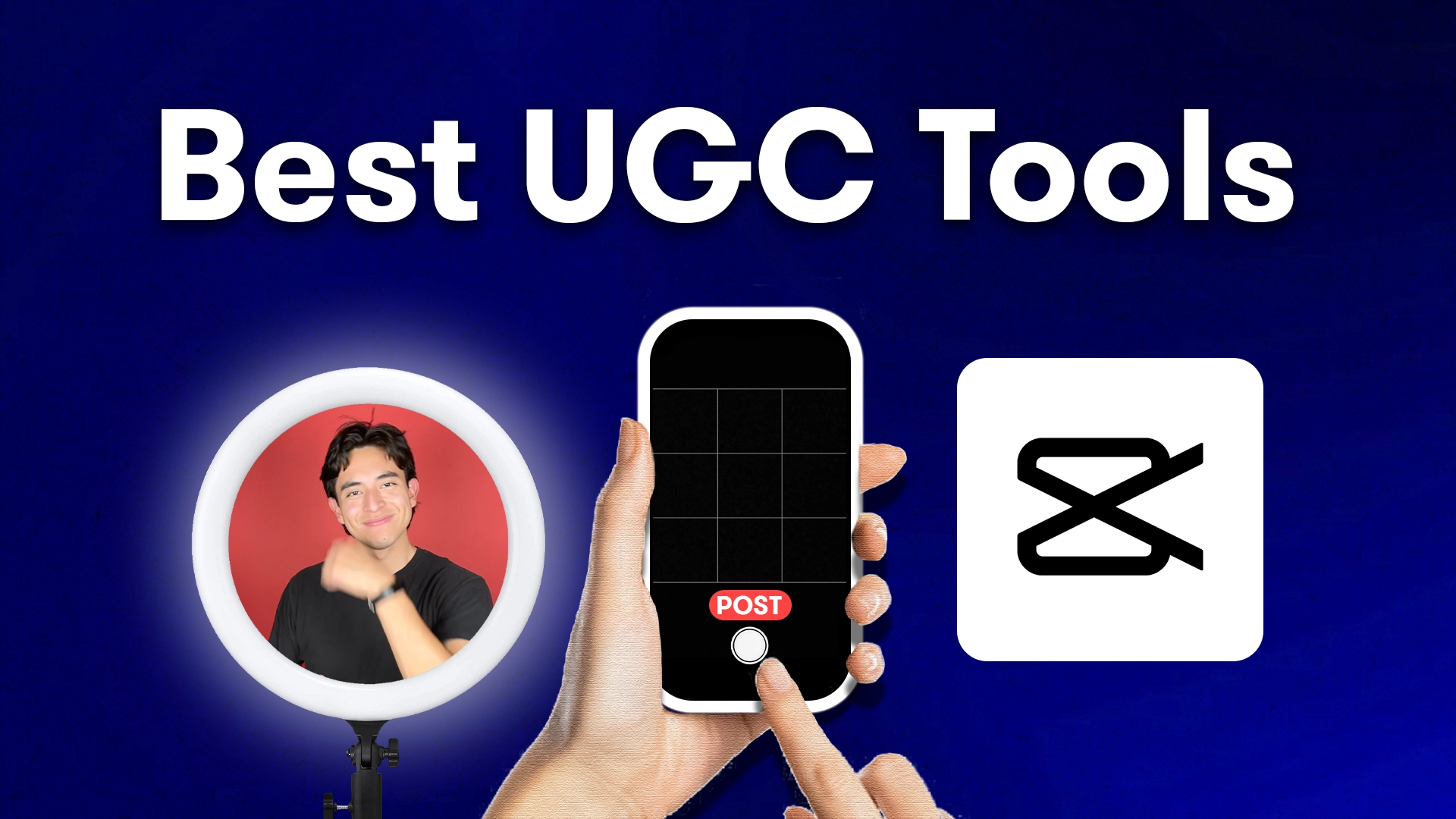

UGC (User-Generated Content) is no longer “simple phone videos.”
In 2025, brands expect high-quality, clean, sharp, and professional UGC — without the look of a studio ad.
This is possible only when the creator uses the right equipment for shooting:
- Mic
- Lighting
- Camera / Smartphone
- Tripods
- Backdrops
- Cameraman assistance
- Editing tools
- Stability accessories
Below is the complete list of equipment needed to create premium, ad-ready UGC content.
⭐ 1. Camera / Smartphone (Main Device)
✔ Best Option: iPhone Pro / Pro Max (13–16 Series)
The iPhone Pro Max is the industry standard for UGC because of:
- Crisp 4K recording
- Cinematic mode
- Accurate skin tones
- Excellent stabilisation
- TrueDepth selfie camera
- Extremely sharp close-up capability
✔ Alternatives:
- Samsung S23/S24 Ultra
- Google Pixel 8 Pro
📌 Note: Professional cameras (Sony, Canon) are optional — UGC looks BEST when shot on a phone.
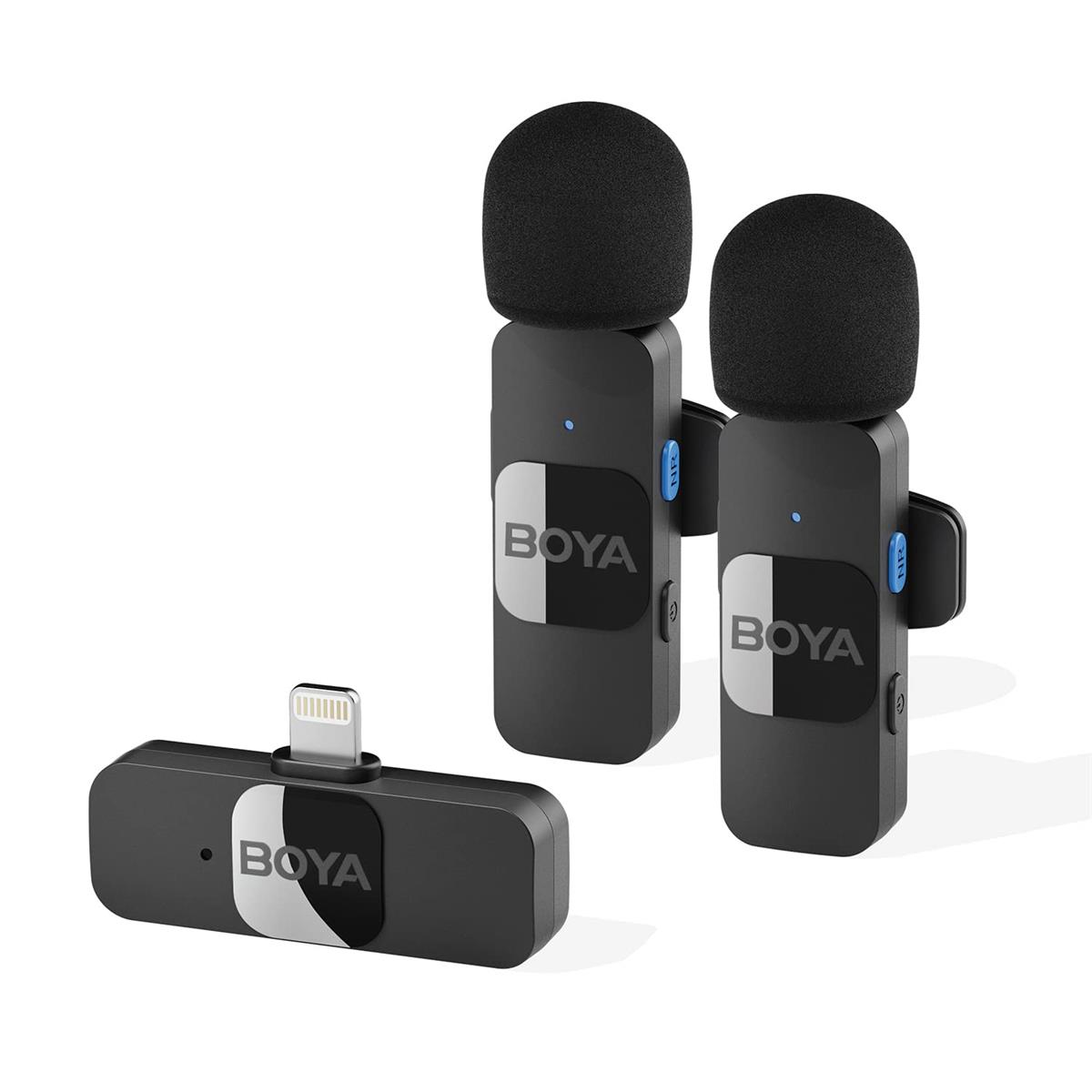
⭐ 2. Microphone (Audio Is 50% of Quality)


4
Best mics for UGC creators:
- Rode Wireless Go II (best overall)
- DJI Wireless Mic (premium quality, very popular)
- Boya M1 Lavalier Mic (budget-friendly)
Why a mic is CRUCIAL:
- Clear audio increases watch time
- Viewers trust creators with clean sound
- Eliminates echo & background noise
📌 Rule: Even if video is perfect, bad audio will ruin your UGC.
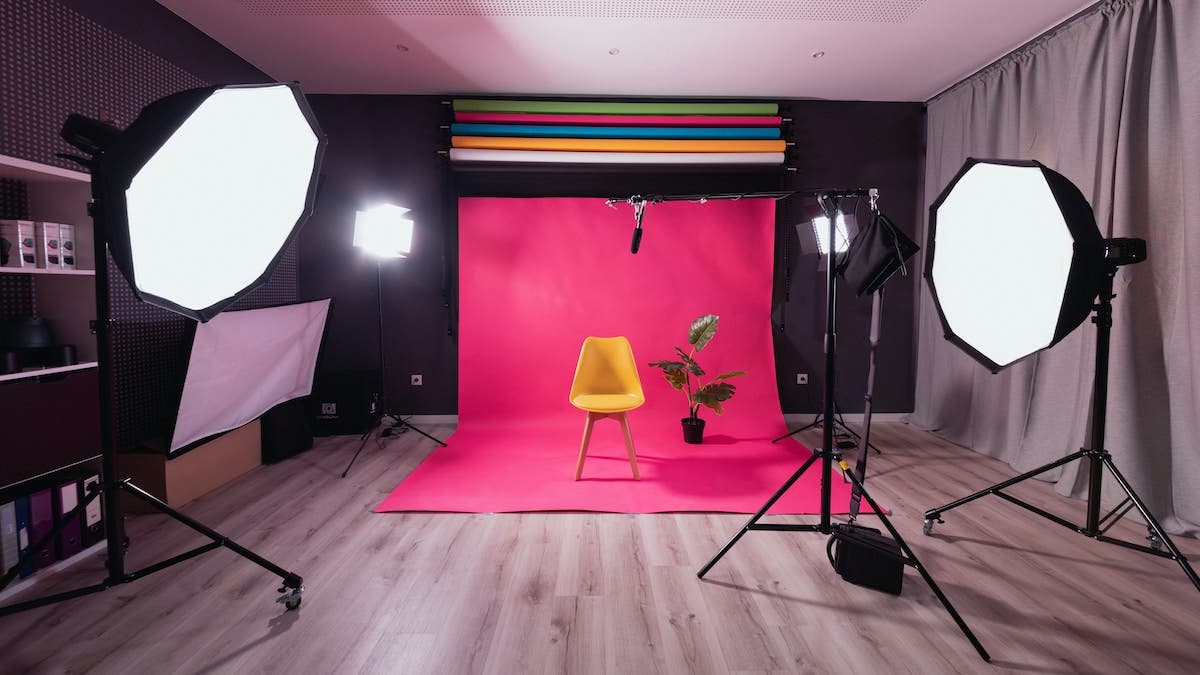
⭐ 3. Lighting Setup (Good Light = Professional Look)


4
Recommended lighting:
- 18-inch Ring Light (easy & affordable)
- Dual Softbox Lights (best for indoor shooting)
- LED Panel Lights (clean white light for product videos)
Why lighting matters:
- Makes skin look smooth
- Shows product clearly
- Eliminates shadows
- Makes UGC look premium, NOT homemade
📌 Lighting improves video quality more than the camera.
⭐ 4. Tripod (Stability = Professional Video)
Types of tripods you need:
- 6-foot adjustable tripod (for talking-head videos)
- Tabletop tripod (for unboxing, demo, POV videos)
- Gimbal stabilizer (optional for walking lifestyle shots)
Why stability matters:
Shaky videos look unprofessional and reduce ad performance.
⭐ 5. Cameraman or Assistant (Optional but Powerful)
Many high-quality UGC shoots require a second person to help with:
- Movement shots
- Over-the-shoulder POV
- Close-ups
- Tracking shots
- Product-in-hand angles
- Focus adjustments
- Smooth transitions
Cameraman helps with:
✔ Perfect angles
✔ Better lighting adjustments
✔ Professional movements
✔ Consistent framing
📌 Even a friend or family member can assist for better results.
⭐ 6. Background Setup (Clean, Minimal & Brand-safe)
Recommended backgrounds:
- Plain white wall
- Light grey
- Beige
- Minimal lifestyle setup
- Small décor (plants, books, frames)
Avoid:
- Messy kitchens
- Busy rooms
- Distracting backgrounds
Your product must be the focus.
⭐ 7. Props & Product Accessories
Props help the story and visuals feel more real.
Examples:
- Table mats
- Towels
- Plants
- Lifestyle props
- Makeup organizer
- Baby items (if product is baby-related)
- Shoes stand (for footwear brands)
Props = context → improves storytelling.
⭐ 8. Product Shooting Accessories
Useful tools:
- Reflector (brightens subject)
- Backdrop stand
- Product turntable (for 360° videos)
- Mini tripod clamp
- Adhesive strips (to hold product upright)
These help capture professional close-ups.
⭐ 9. Editing Software (Final Look Matters)
Best editing tools for UGC:
- CapCut (number #1 for UGC)
- VN Editor
- Adobe Premiere Rush
- Final Cut Pro (if using Mac)
Editing enhances:
- Hook speed
- Subtitles
- Sound effects
- Transitions
- Color tone
- Pacing
📌 Strong editing = high retention = better ad performance.
⭐ 10. Storage & File Management Tools
Recommended:
- Google Drive
- iCloud
- Dropbox
- Mega Cloud
Helps share UGC files with brands quickly and safely.
⭐ Creator Navigator’s Official UGC Equipment Standard
Creator Navigator ensures every creator uses:
✔ iPhone 13 Pro / 14 Pro / 15 Pro / Pro Max
✔ Ring light or softbox
✔ Wireless Mic
✔ 6 ft tripod
✔ Clean background
✔ Proper framing & camera angle
✔ CapCut or VN professional editing
✔ Handheld or cameraman-assisted shots
This results in consistent, sharp, premium UGC that performs in Meta Ads.
⭐ Why Equipment Matters for Brands
A good mic + good light + good phone =
✔ Higher trust
✔ Better product clarity
✔ More engagement
✔ Higher CTR
✔ Lower CPC
✔ Lower CAC
✔ Higher ROAS
✔ More conversions
Investing in the right equipment is the fastest way to improve UGC performance.
⭐ Conclusion
To create high-quality UGC, the essential equipment includes:
- iPhone Pro Max
- Wireless mic
- Strong lighting setup
- Tripods
- Clean background
- Cameraman (optional, but powerful)
- Props
- Editing software
With the right equipment + right creator + right script →
You get professional, ad-ready UGC that increases sal